

Anthropic Chases $2T IPO: How to Invest in Anthropic
Anthropic is reportedly targeting a $2 trillion valuation for a potential public offering, though concerns have surfaced about its most advanced AI model.
Older stories and guides from the Convly archive.
Anthropic is reportedly targeting a $2 trillion valuation for a potential public offering, though concerns have surfaced about its most advanced AI model.

TL;DR:Safetensors is a file format for storing machine learning model weights that prevents arbitrary code execution vulnerabilities present in pickle-based
“vLLM omni” almost always refers to running omni-modal models (text + vision + audio + video) on the vLLM inference
OpenAI is signing up enterprise customers faster than Anthropic, according to Inc. — and that traction may prove more decisive than either company’s valuation.
Claude Code does not natively support Ollama — it expects the Anthropic API. To use local models, you run a
OpenAI has reportedly fully open-sourced its Codex Harness, according to 36 Kr, opening the AI coding orchestration framework to independent deployment and inspection. The move has significant implications for how engineering teams manage API costs and build AI coding workflows.
TL;DR:LM Studio is a free desktop application for running large language models locally on your computer without coding or command-line workDownload models directly from Hugging Face through the built-in browser, supports GGUF format with automatic quantization selectionIncludes chat UI, local API server (OpenAI-compatible), and automatic hardware acceleration (CUDA, Metal, CPU)Requires sufficient VRAM/RAM based on model size—typically 8GB minimum for 7B models, 24GB+ for 13B modelsLM Studio is a desktop application that lets you download, run, and interact with large language models on your own computer.
A new CreditSights analysis examines how DeepSeek’s efficiency claims are influencing Q2 2026 datacenter supply and demand dynamics, with implications for API economics across frontier models.
Sora 2 vs Veo 3 is no longer a live comparison: Google shut Veo 3 down on 30 June 2026 and OpenAI switched off the Sora 2 API on 24 September 2026. What the prices were, and what Veo 3.1 costs now.
Sora 2 was shut down on 24 September 2026. Veo 3.1 now costs $0.40 per second (Standard), $0.10 (Fast) and $0.05 (Lite); Kling 2.5 Turbo Pro is $0.07 and Wan 2.5 $0.05 per second through fal.
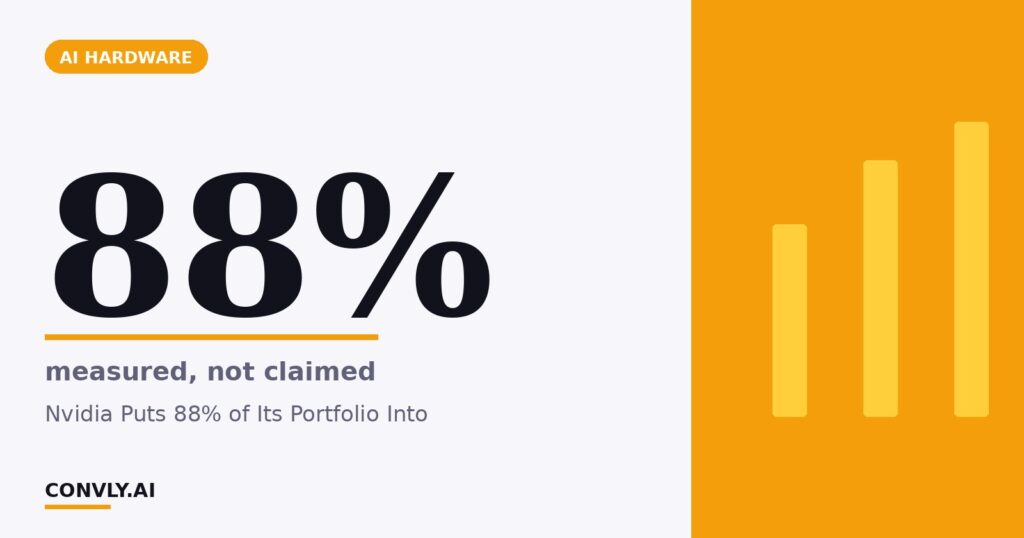
According to The Motley Fool, 88% of Nvidia’s disclosed equity portfolio is concentrated in just three artificial intelligence companies — a signal of unusual conviction from the world’s leading AI chipmaker.
TL;DRgpt-oss:20b runs in ~16GB memory (fits most gaming GPUs), gpt-oss:120b needs ~70GB (single 80GB GPU or split across consumer cards)Install with ollama pull gpt-oss:20b or ollama pull gpt-oss:120b, then run with ollama run gpt-oss:20bBoth variants use MXFP4 quantisation at 4.25 bits per parameter and support 128K context windowsReleased by OpenAI as open-weight models in partnership with Ollama, comparable to Llama 3.1 and Qwen 2.5 in quality OpenAI released gpt-oss as open-weight models in August 2025, distributed exclusively through Ollama.